What Happens After Someone Submits Your Website Enquiry Form?
A website enquiry is the beginning of a process that continues long after someone presses submit.
The information needs to reach the right person, be reviewed and receive a response. Depending on the business, the next step could be a phone call, a proposal or a request for more information.
When those steps are managed across inboxes, spreadsheets and different platforms, it can be difficult to see where an enquiry has reached and who is responsible for it.
At purpleplanet, we use ClickUp to manage processes within our own business, and we also build systems for clients that connect their websites with the tools they use day to day. This can include creating a way to capture enquiries, organise the information and manage what happens next.
Connecting the website to the process behind it
A website form collects information, but the form itself is only one part of the process.
When someone submits an enquiry, their details might be sent to an inbox, added to a CRM or passed into a project management system. The right destination depends on what the business needs to do with that information.
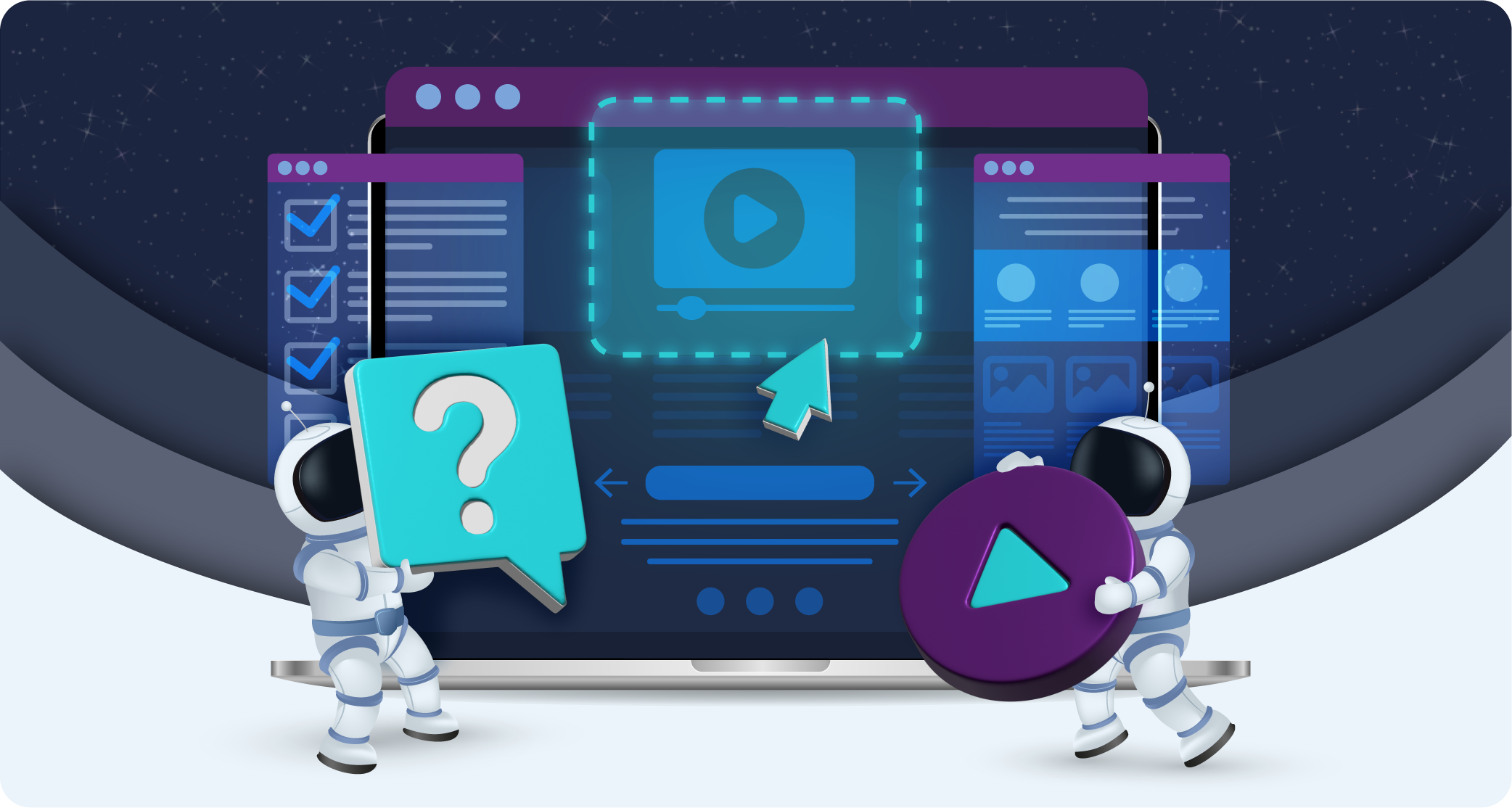
At purpleplanet, we look at the website and the systems behind it together. For some businesses, that may mean embedding a ClickUp form on the website so enquiries are captured directly in the workspace. For others, it may involve connecting an existing form or CRM to ClickUp.
Giving each enquiry a place in ClickUp
An email notification can tell a business that someone has been in touch, but it does not necessarily show what has happened since. When several people are involved, enquiries can be forwarded between inboxes or discussed in separate conversations. Someone may have replied, but that response is not always visible to everyone else.
A ClickUp setup can give each enquiry its own task, bringing the contact details, message and relevant activity into one place. The team can then see who is responsible and what needs to happen next.
The information collected will depend on the business. A general contact form may only need a name, email address and message, while a project enquiry form might ask about the service required, timescale or budget.
We consider what the team needs to know before deciding which information should be collected and how it should appear in the workspace.
Getting the enquiry to the right person
A business may have different people handling sales, customer support and existing client requests. Even within a sales team, responsibility might depend on the service requested or the location of the potential customer.
ClickUp can be set up to assign enquiries and notify the relevant person. Where appropriate, the information submitted through the form can help determine how the enquiry is categorised or where it goes next.
When setting this up for another business, we need to understand how its team works. That includes who handles different requests and what should happen when an enquiry needs input from more than one person.
Managing the next step
Once an enquiry has been reviewed, the next action might be to send a scheduling link, arrange a call or ask for more information.
Some of those steps can be automated. For example, a new enquiry could trigger an email inviting the person to book a call, with the enquiry then moving to a different stage once that call is arranged.
Other businesses may prefer someone to review every submission before a response is sent. That can be particularly useful when enquiries vary, and the team needs to decide which service or colleague is most relevant.
We build the workflow around the response the business wants to provide. An automated email can save time, but it still needs to contain the right information and set an expectation the team can meet.
Moving from enquiry to proposal
A conversation that begins with a website form may eventually lead to a proposal, contract and project.
ClickUp can be used to track those stages, giving the team a view of which enquiries are waiting for a call, which proposals have been sent and which opportunities are ready to move forward.
Depending on the tools a business uses, ClickUp can also be connected to other platforms. A change in status might trigger the next part of the process, such as preparing a proposal or creating a project once work has been agreed.
This is where we look beyond the individual form. The information collected at the start may be useful to the people preparing the proposal and the team delivering the work, so it needs to move through the process without being lost or repeatedly entered.
Connecting ClickUp with other tools
ClickUp can manage a range of business processes, but it does not have to do everything on its own.
At purpleplanet, we use ClickUp as a central place to manage our business while connecting it with other tools. Our invoicing, for example, takes place in Xero, but information can move between Xero and ClickUp so we can manage the process from within our workspace.
A similar approach can be used for website enquiries. ClickUp may provide the place where the team tracks an enquiry, while a separate CRM, scheduling platform or proposal tool handles another part of the process.
The tools involved will depend on what the business already uses and what it needs each system to do. Some businesses may be able to manage a straightforward sales pipeline within ClickUp, while others may need a dedicated CRM alongside it.
Before connecting anything, we look at the process itself. An integration is useful when it moves the right information to the right place; it also needs to be maintained and checked as the tools involved change.
Building a system the team can use
ClickUp offers a great deal of flexibility, which means there are many ways to build a workspace. That flexibility can also leave businesses unsure where to begin or working with a setup their team does not understand.
We speak to businesses that are starting from scratch, as well as those already using ClickUp who need help making it work for their processes. In both cases, we start by understanding what the business wants to achieve and how its team works.
For website enquiries, that means looking at the journey from the initial form through to the response, proposal and handover. We then use ClickUp and the relevant connected tools to support the stages that make sense for that business.
The aim is to give the team a clear place to manage enquiries, see what needs attention and move opportunities forward.